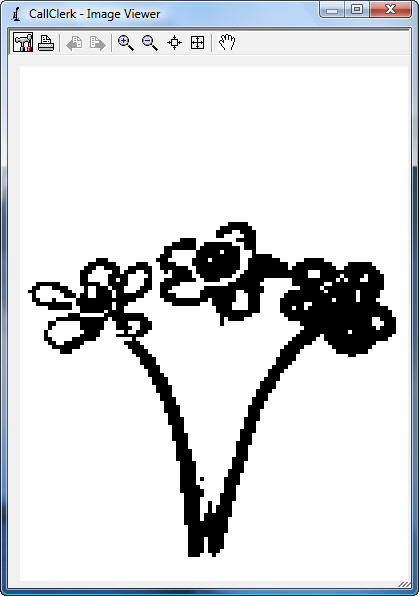
CallClerk - Image Viewer
TheCallClerk - Image Viewer window lets you view and print faxes.Viewing faxes
The Window Viewer can be made larger or smaller by clicking on the bottom right had side of the window and dragging it to a new size. The maximize button makes the screen as large as possible.
Clicking on the + or - magnifying glass zooms in and out.
There are two buttons to the left of the hand that zoom the fax to actual size and zoom it to fit the screen.
The hand symbol when clicked allows you to move the fax around the viewer window.
Printing faxes
The tool button allows you to set your printer.
The Print button prints the fax.
Click [X] to close the window.
The CallClerk - Image View window looks like this: