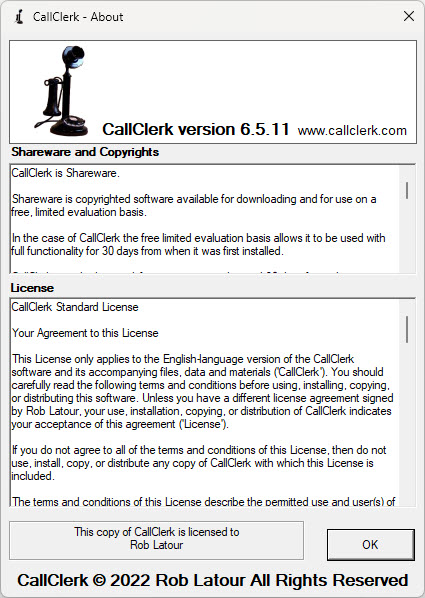
CallClerk - About Window
The CallClerk - About window details CallClerk’s version, copyright information, shareware and licensing terms and purchasing information.Until CallClerk is licensed and registered the CallClerk - About window lets you know many days remain in your evaluation period. After the evaluation period is over, CallClerk will continue to operate but with a reduced set of functionality. Licensing and registering CallClerk provides for its ongoing use with full functionality.
You can slide the scroll bar beside the licensing text to see all of the licensing text.
To license and register CallClerk click on the [License and Register CallClerk] button to be brought to the CallClerk CallClerk - Licensing and Registering window.
If you have already registered CallClerk, clicking on the 'This copy of CallClerk is licensed to' box will display your registration code to and copy it to your clipboard.
Click [OK] to close the window.
The CallClerk - About window looks like this: